
Back
Jaime Boolkin
October 4, 2026
•
4
min read

Table of contents
Why "iTunes Gift Card" Still Gets Searched.
Two Ways to Spend Bitcoin on an Apple Gift Card.
Buying Through a Crypto Gift Card Marketplace, Step by Step.
Fees, Discounts and What They Actually Mean.
✓
If you hold bitcoin and want to put it toward a new pair of headphones, an app subscription, or credit on the App Store, you will run into the same wall every time: Apple does not take crypto at checkout. The workaround crypto holders have used for years is buying an Apple or iTunes gift card with bitcoin through a third-party marketplace, then redeeming the card the normal way. It is not complicated, but a few details decide whether it is actually worth doing.
Apple retired the separate iTunes Gift Card brand in most markets years ago, folding it into the general Apple Gift Card, which covers the App Store, Apple Music, iCloud storage and Apple device purchases. Even so, search habits are slow to change, and "buy itunes gift card with bitcoin" still gets searched far more often than the newer "apple gift card" phrasing. In practice the two are the same product today in most regions, so the buying process below applies to either name.
There are two practical routes, and they suit different situations.
Marketplaces sometimes advertise a small discount on gift card face value, but this is rarely a reason by itself to buy this way. Discounts tend to be modest, often in the low single digits, and can be offset by network fees, especially when paying with bitcoin's base layer rather than a faster network. If saving money is the goal, compare the total cost (card value minus discount, plus any network fee) against simply using a crypto card funded with bitcoin at a store that sells the same card.
A few checks prevent the most common problems with crypto-bought gift cards.
For anyone who spends crypto regularly rather than occasionally, it is worth thinking beyond a single gift card purchase. A wallet that supports multiple assets, including USDT, USDC, BTC, ETH and SOL, and lets you tap to pay at any contactless terminal means you are not limited to merchants who specifically sell crypto gift cards. Oobit's crypto card converts your balance to the merchant's local currency automatically at checkout, and everyday spending can also earn cashback rewards, something a one-off gift card purchase does not offer.
Buying an Apple or iTunes gift card with bitcoin is straightforward through an established marketplace, as long as you match the card's region to your account and treat any discount as a minor bonus rather than the main reason to do it. For regular spending rather than one-off purchases, a crypto card that pays directly at checkout is usually simpler than routing every purchase through a gift card first.
Latest articles
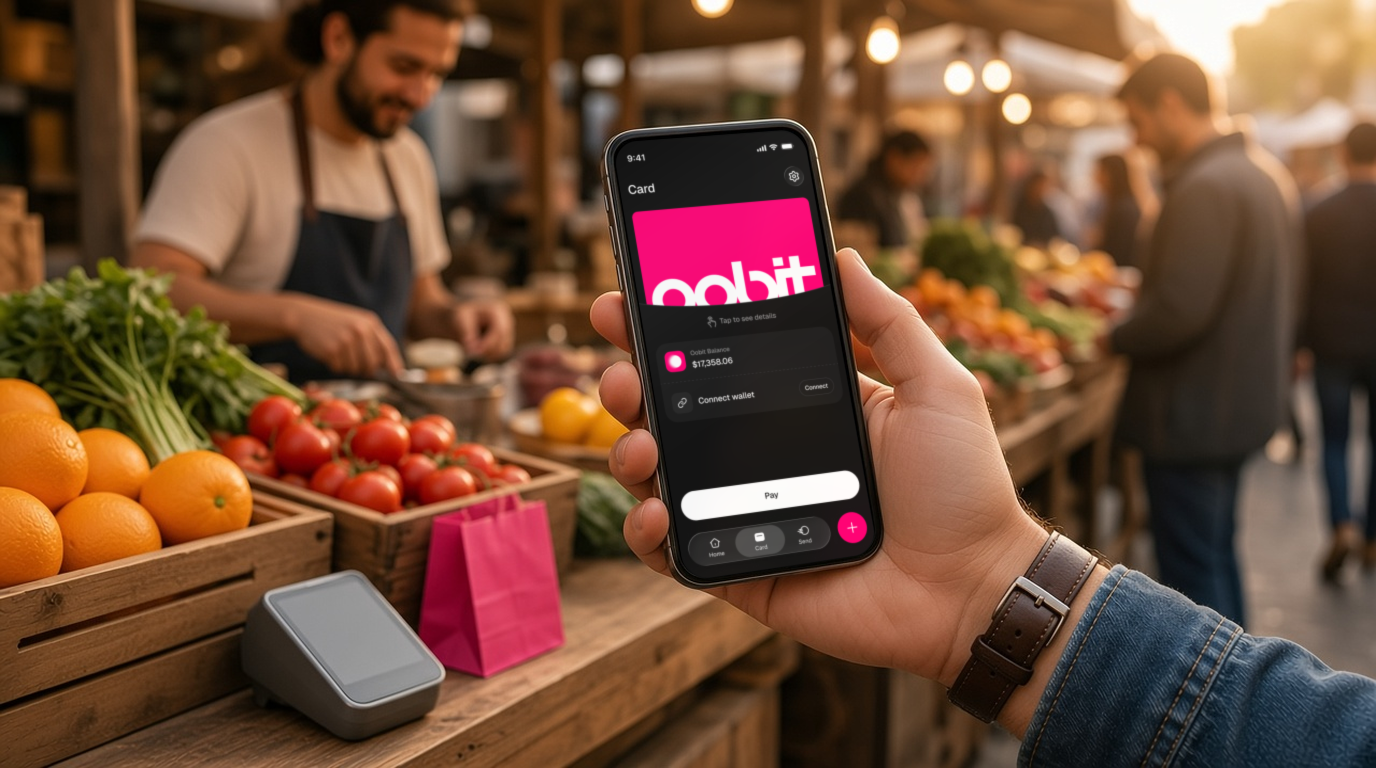
How to Choose a Crypto Payment App That Fits How You Spend
October 29, 2026
•
9
min read

What Is a Stablecoin Card? How Spending Digital Dollars Works
October 29, 2026
•
7
min read
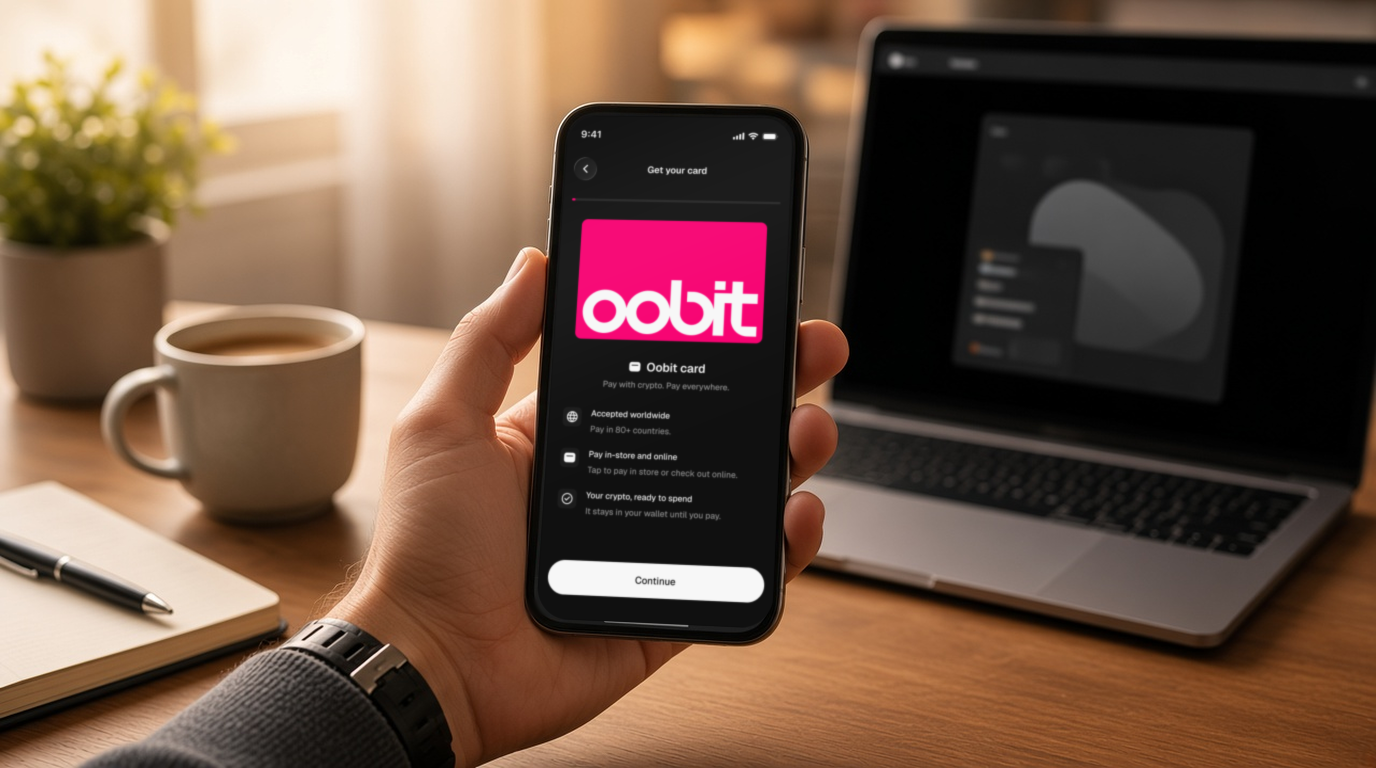
Self-Custody Crypto Cards: Pay From Your Own Wallet
October 29, 2026
•
8
min read
Abre tu tesorería, guarda dólares y empieza a pagarle al mundo.
Abra seu tesouro, guarde dólares e comece a pagar o mundo.
Scan the QR code to download the app
If you're excited by the future of money, we'd love to hear from you.

The People's Money.
Personal
Crypto CardAI PaymentsLocal QR PaymentsConnect Your WalletCrypto CashbackPay with USDTSend Crypto to BankATM Withdrawals
Business
Accept Crypto PaymentsCorporate CardsSend Money Internationally
Pay With Crypto
Pay with BitcoinPay with SolanaPay with EthereumPay with Litecoin
Company
AboutOur FeesHelp CenterResearchNewsBlogCareers
© Oobit Technologies 2026. All rights reserved.
Oobit provides technology that enables users to spend digital assets through existing payment networks. Services are subject to regional availability and regulatory requirements. Oobit operates through multiple entities globally. Certain features may be provided by licensed partners depending on your location.
US Cryptocurrency services are provided in partnership with Bakkt Financial Solutions I, LLC. Bakkt is registered with FinCEN as a Money Services Business (MSB) and holds state money transmitter licenses.