Back

Oobit
Back
Oobit
August 18, 2026
•
5
min read
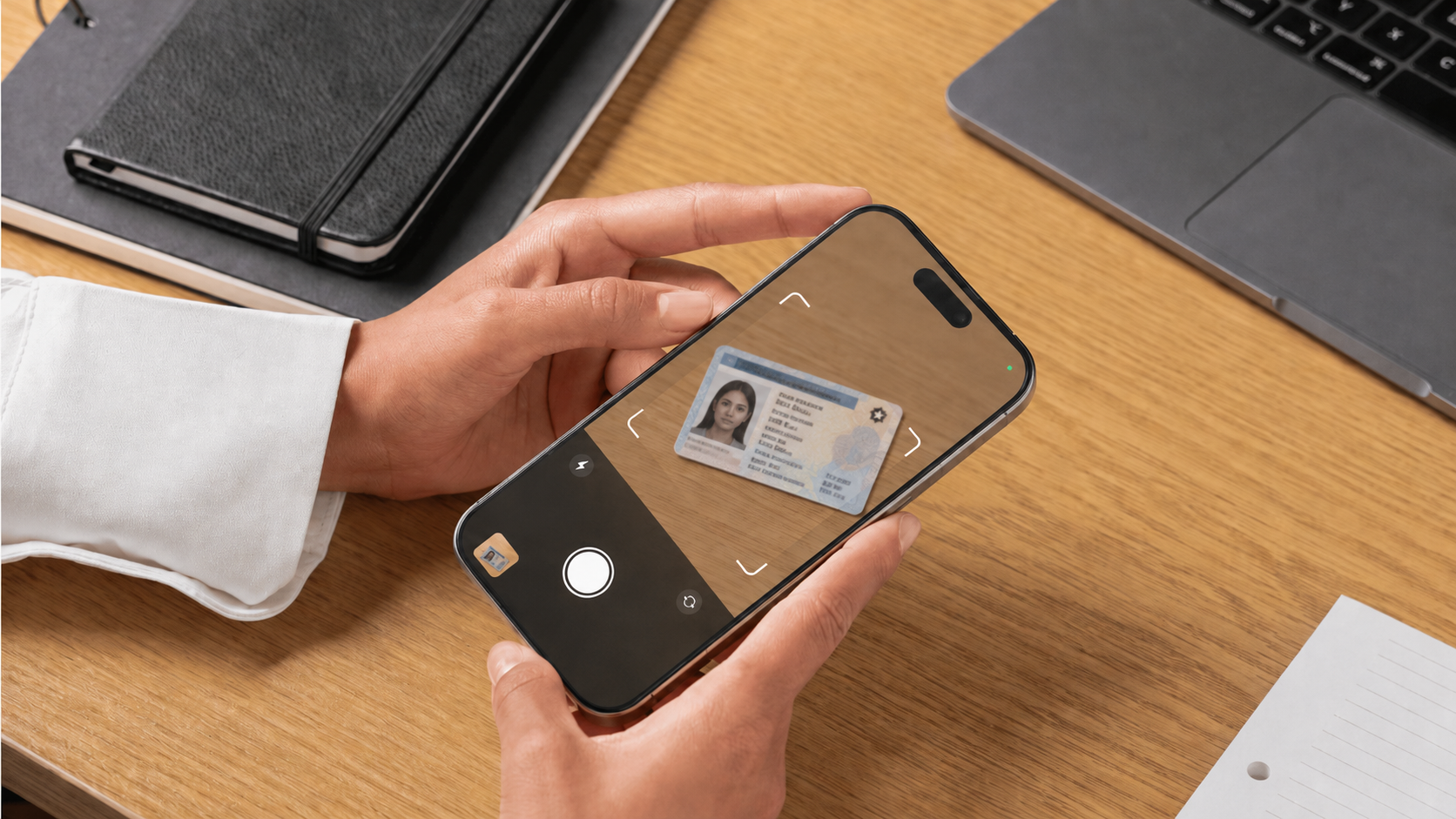
This article explains how to upload your ID correctly during Oobit verification, common reasons uploads get rejected, and how to avoid delays.
Most ID verification issues happen because of:
To prevent delays, make sure your ID photo is clear, complete, and matches your account information exactly.
Oobit typically accepts government-issued photo IDs, such as:
Accepted document types vary by country. You can check which documents are supported for your country here: Supported Documents and Countries.
Your ID must:
If your ID does not match your registered name, verification may fail and require manual review.
Use this checklist before uploading:
These are the most common reasons ID verification fails:
A clean, well-lit image significantly reduces verification delays.
Your Oobit account name must match your government-issued ID exactly. Even small differences in spelling or order can trigger verification failure.
If you made a mistake during signup, contact Oobit Support before attempting repeated uploads. Repeated failed attempts may delay your verification further.
Glare can block key details such as your name, ID number, or expiration date. If the system cannot clearly read your information, verification will fail automatically. Use natural lighting and avoid direct flash reflections. Slightly tilt the document if needed to remove glare.
No, photocopies and screenshots are not accepted. You must upload a photo of your original physical ID. The verification system checks for authenticity features that are not visible on copies. Always use the actual document.
Minor wear is usually acceptable as long as your details are fully visible and readable. However, if key information is faded or obscured, verification may fail. If your ID is significantly damaged, consider renewing it before attempting verification again.
You may be asked to re-upload your ID if the first image was unclear or if additional verification is required. This is part of standard compliance and security checks.
Verification times vary depending on volume and review requirements. Most submissions are reviewed quickly, but manual reviews may take longer. You will receive a notification in the app once your verification is complete.
Name changes require supporting documentation and manual review. If you need to correct your name, contact Oobit Support and provide the appropriate documents.
Open your treasury, hold dollars, and start paying the world.
Abre tu tesorería, guarda dólares y empieza a pagarle al mundo.
Abra seu tesouro, guarde dólares e comece a pagar o mundo.
If you're excited by the future of money, we'd love to hear from you.
Scan the QR code to download the app

The People's Money.
Pay with Oobit
Crypto CardLocal QR PaymentsATM WithdrawalsCrypto Cashback Agent CardsOobit DePay
Pay with BitcoinPay with OOBPay with USDTPay with EthereumPay with SolanaStablecoin
Oobit For Business
BlogStablecoin PaymentsGlobal USDCorporate CardExpense Managment
Oobit Technologies 2026. © All rights reserved.
Oobit provides technology that enables users to spend digital assets through existing payment networks. Services are subject to regional availability and regulatory requirements. Oobit operates through multiple entities globally. Certain features may be provided by licensed partners depending on your location.
US Cryptocurrency services are provided in partnership with Bakkt Financial Solutions I, LLC. Bakkt is registered with FinCEN as a Money Services Business (MSB) and holds state money transmitter licenses.