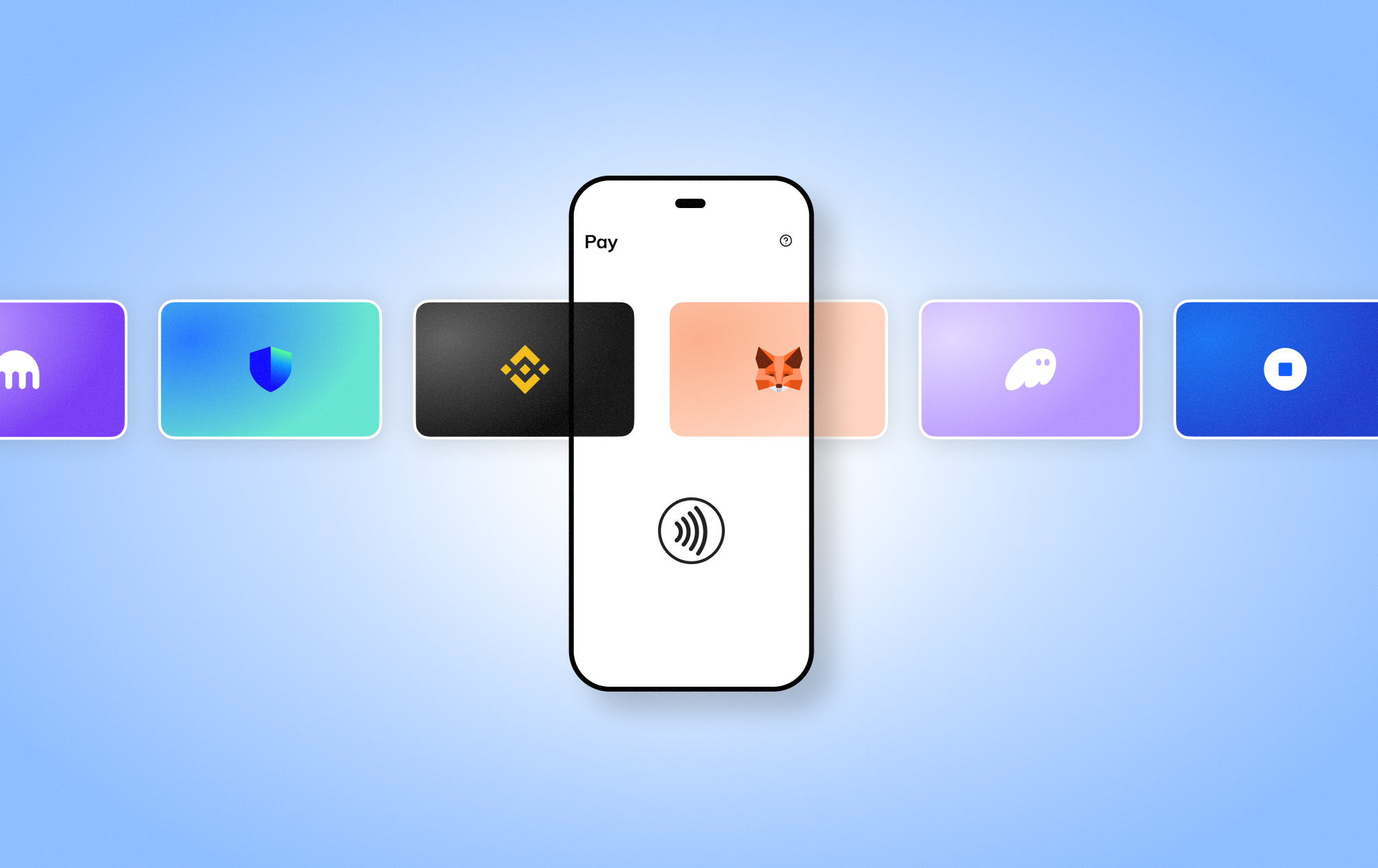
Download oobit app to pay with crypto everywhere.
Scan the QR code to download the app
Download for iOS
Get the oobit app from the App Store.
Download for Android
Get the oobit app from the Google Play
If you have any questions, contact support
Personal
Business
NEW

Oobit Business
Issue corporate cards, pay vendors and teams worldwide, and move funds to any bank.

Oobit Plug and Pay
Power your wallet with embedded global payments
Pay

Crypto Card
Spend crypto instantly at millions of stores with Oobit
Send

Send Crypto To Any Bank
Send crypto and receive local currency directly to bank accounts
Connect

DePay
Pay directly from the wallet you trust.
Features
Business
More

Newsroom
Stay updated with Oobit's latest news & launches

Stablecoin
What They Are and How to Use Them

Cashback
What is Cashback and How to Earn up to 10% with Oobit

Tether
The Digital Dollar Powering Global Payments

Pay with Bitcoin
Spend Bitcoin at Over 150 Million Visa Merchants

OOB
Keeps money open. Free. Access. 24/7
English
English
Portuguese
Spanish
Follow us
Back

Crypto Card
Spend crypto instantly at millions of stores with Oobit

DePay
Pay directly from the wallet you trust

Send Crypto To Any Bank
Send crypto and receive local currency directly to bank accounts

Oobit Business
Issue corporate cards, pay vendors and teams worldwide, and move funds to any bank.

Oobit Plug and Pay
Power your wallet with embedded global payments

Newsroom
Stay updated with Oobit's latest news & launches

Stablecoin
What They Are and How to Use Them

Cashback
What is Cashback and How to Earn up to 10% with Oobit

Tether
The Digital Dollar Powering Global Payments
Pay with Bitcoin
Spend Bitcoin at Over 150 Million Visa Merchants

OOB
Keeps money open. Free. Access. 24/7
How To
Oobit
5
MIN READ
August 14, 2025

✓
Table of contents
✓
Tap-to-pay with crypto transforms how we spend digital assets. Instead of converting crypto manually or using a prepaid card, users tap their phone just like Apple Pay or Google Pay. The Oobit app handles real-time crypto-to-fiat conversion at any NFC-enabled terminal.
MetaMask is a leading self-custody wallet. It keeps your keys private and your assets under your control.
1. Open Oobit App - Go to the "Add funds" section.
2. Select’ Connect Wallet’ - Choose MetaMask from the list.
3. Authorize the Connection - Approve the secure session in MetaMask.
4. Verify Your Address - Make sure the wallet address is correct.
5. Connection Complete - Your MetaMask balance is now available to spend.
Once MetaMask is connected:
Your private keys never leave MetaMask. Oobit uses Wallet Connect’s encrypted protocol and enterprise-grade security powered by Fireblocks, and following wallet security basics keeps every tap-to-pay session clean and controlled.
Best practices:
Make sure MetaMask is unlocked and the internet is enabled.
Enable contactless payments and check app permissions.
Use high-speed, low-fee networks (Polygon, BNB, TRC‑20).
Typical custodial cards:
If you value decentralization and speed, the choice is clear.
How To
Get smarter with every email, sign up for Oobit's newsletter today.
Thank you!
Your submission has been received!
Oops! Something went wrong while submitting the form.
Personal
Crypto CardSend to BankConnectFAQ
Business
NEW
Explore
NewsroomStablecoinCashback TetherPay with BitcoinOOBBlogResearch
Company
AboutCareersAmbassadorsPress KitPrivacy NoticeTerms of Use
Social
X.comLinkedinInstagramYouTubeReddit
© Oobit Technologies 2026. All rights reserved.
Oobit provides technology that enables users to spend digital assets through existing payment networks. Services are subject to regional availability and regulatory requirements.
Oobit operates through multiple entities globally. Certain features may be provided by licensed partners depending on your location.